
Features
One system that does the lot.
From a quick corner-shop sale to a full kitchen on a Friday night, ZeroPOS handles the counter, the kitchen and the back office, and keeps them all in step.
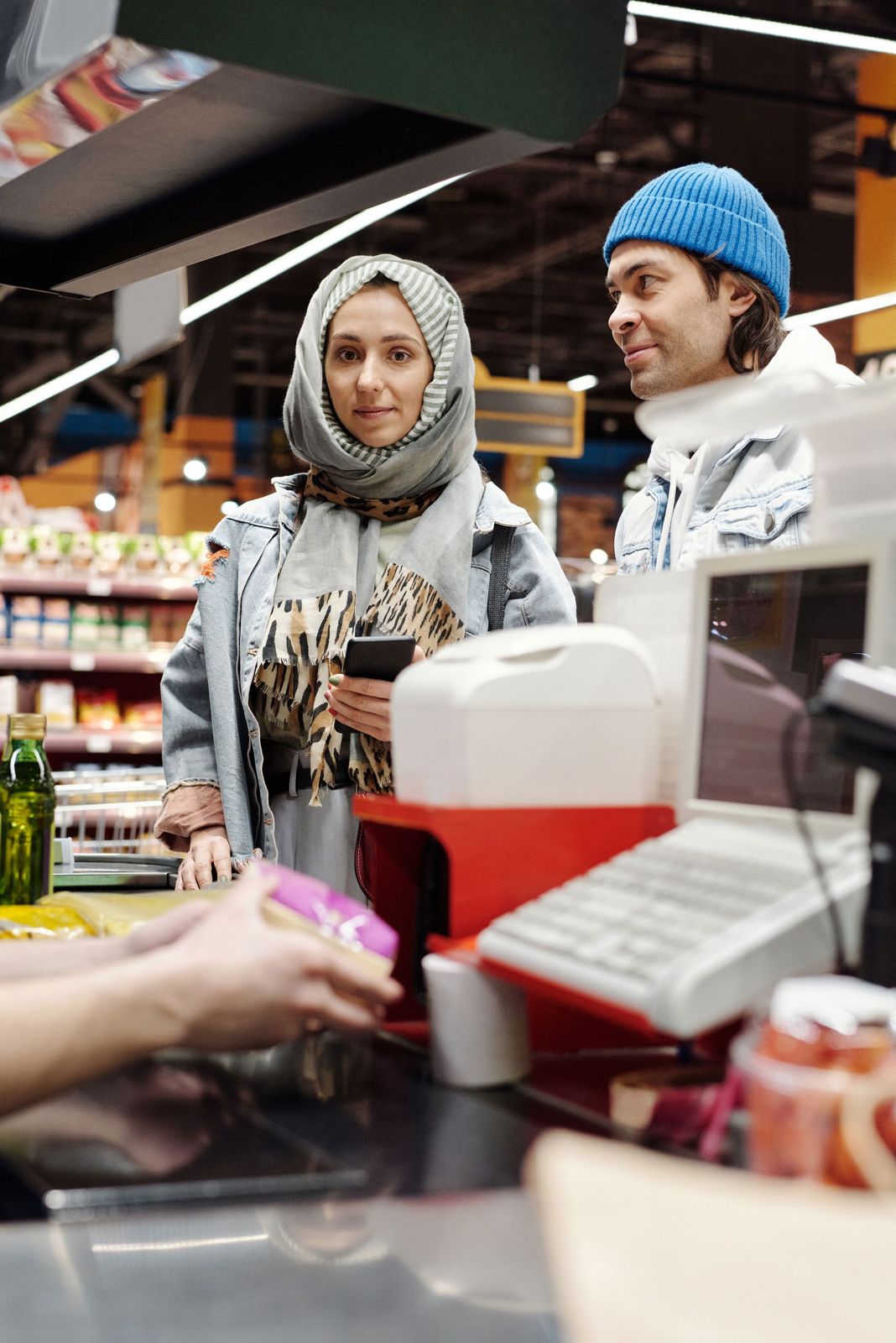
Checkout
A checkout that keeps the queue moving.
Scan a barcode, search by name or tap a quick button. Ring it up, take the money and print the slip, while stock and takings update behind the scenes.
- Barcode scanning and product search
- Quick buttons for your best sellers
- Weighed items and scale labels
- Line and whole-sale discounts
- Hold a sale and recall it later
- Open-price items and services
- Refunds, exchanges and credit notes
- Customer display for prices and change
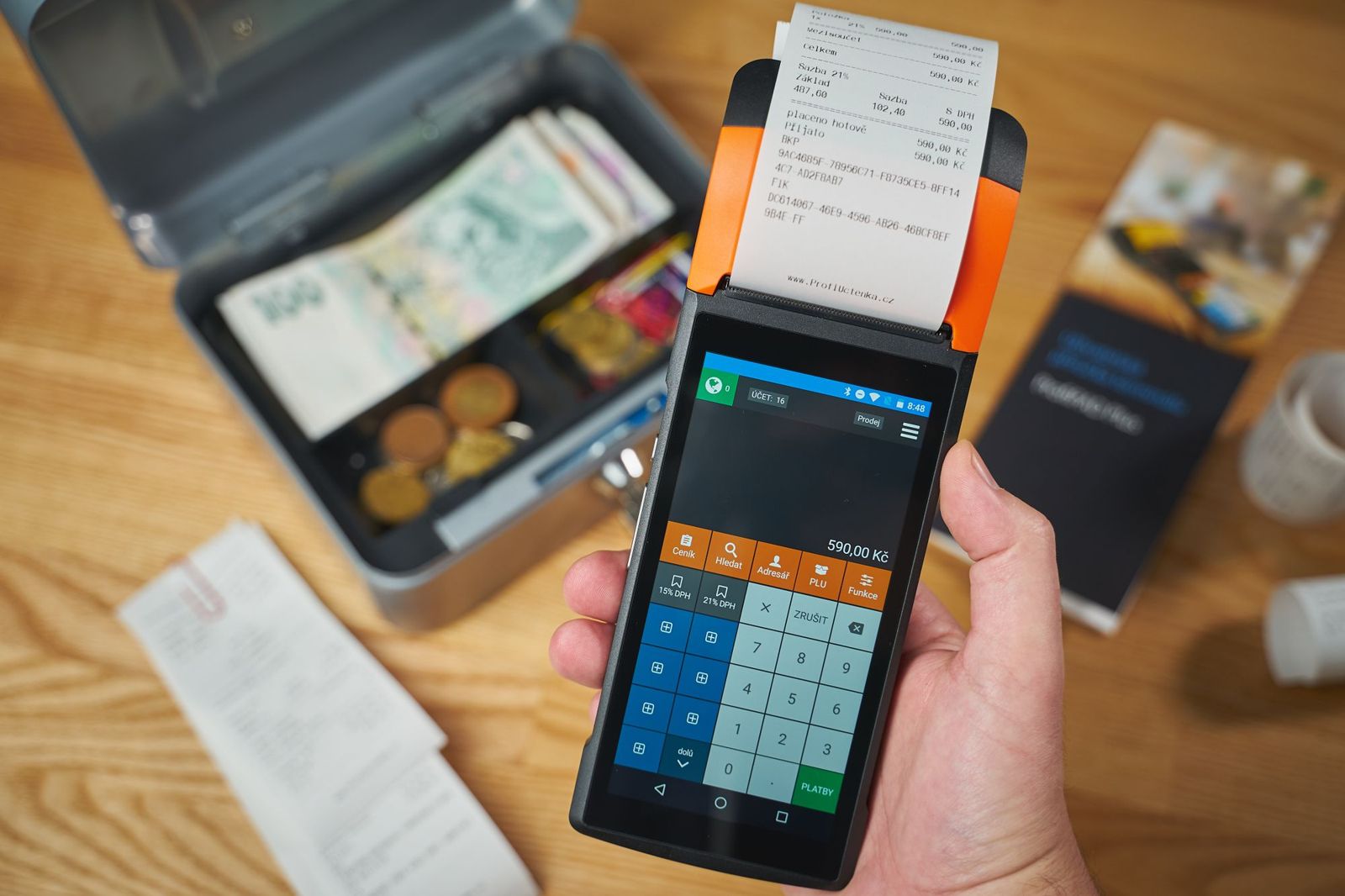
Payments
Take the money however they want to pay.
Every tender is one tap away, and a customer can pay with more than one. The drawer only opens when it should, and every rand ends up in the right place on the cash-up.
- Cash, card and EFT
- Split payments across tenders
- Customer accounts with statements
- Gift cards, sold and redeemed at the till
- Loyalty points that discount the bill
- Lay-by with deposits and part payments
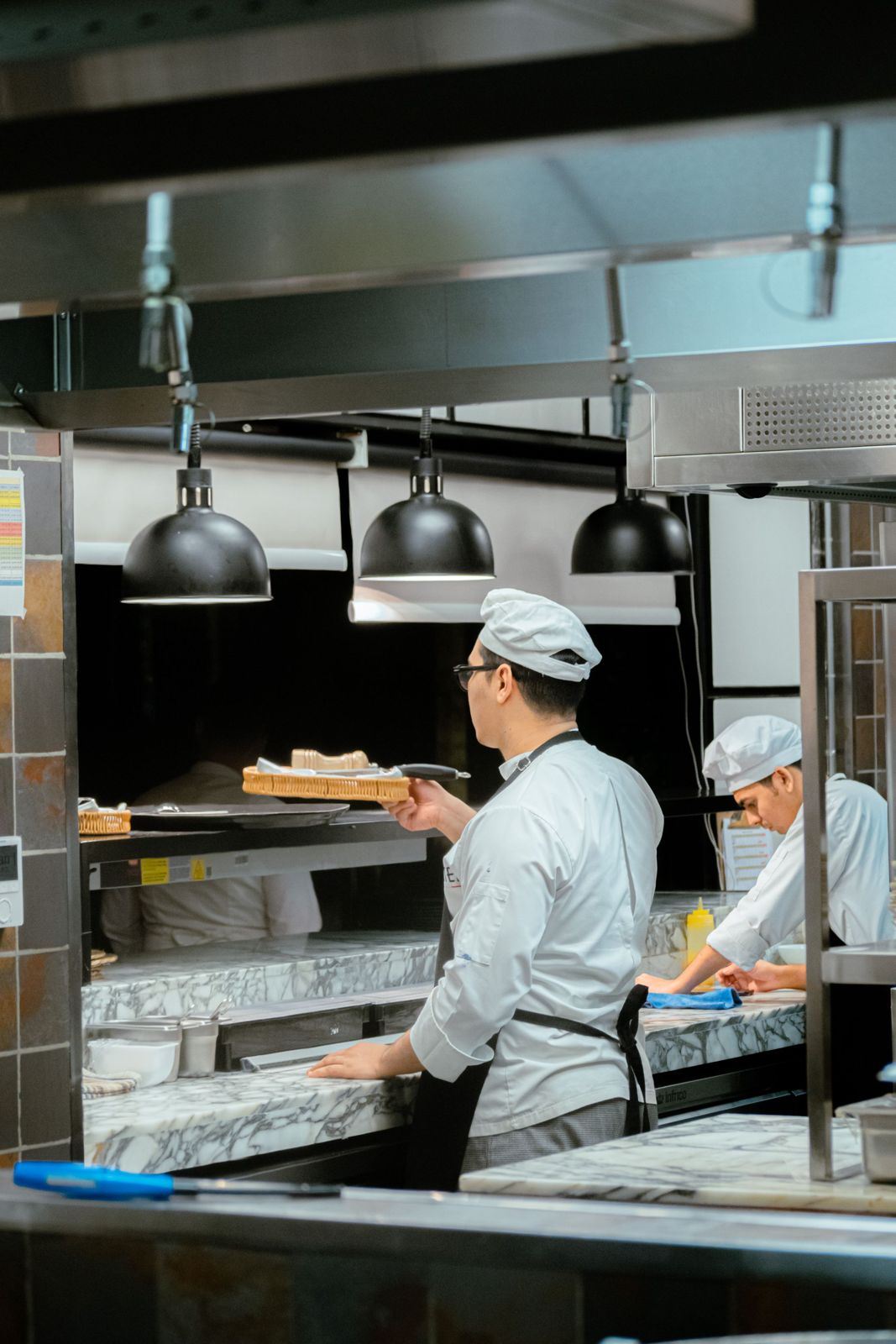
Restaurants & takeaways
Every order, exactly how they asked for it.
Build orders with extras, upgrades and combos, send them to the kitchen, and know what each dish costs you because the recipes take the ingredients off your stock.
- Extras, upgrades and combos
- Kitchen screens and order slips
- Eat-in, takeaway, delivery and call-in orders
- Uber Eats and Mr D orders kept separate
- Tables, open orders and service charge
- Ingredients and recipes with real dish costs
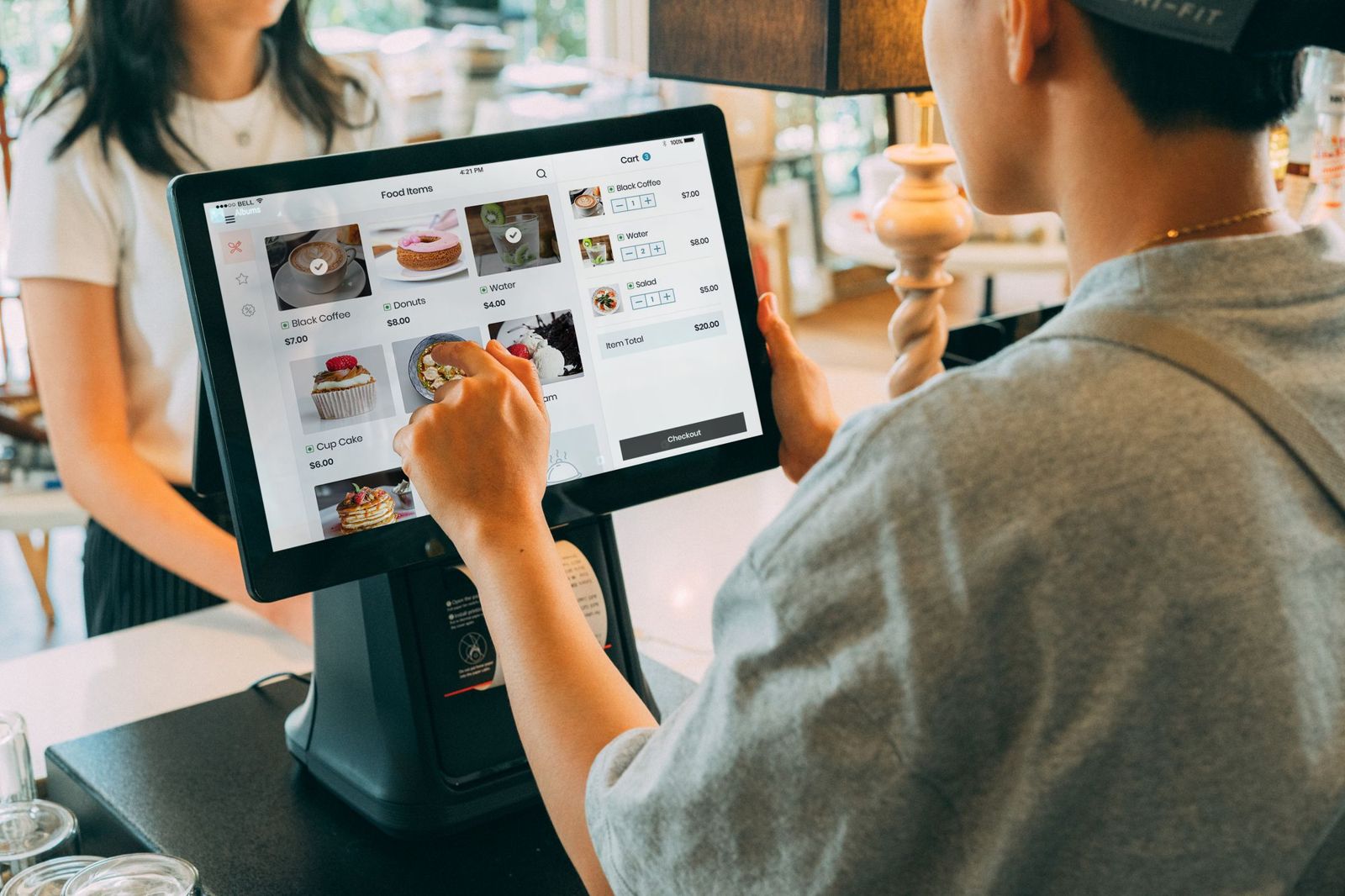
Self-service kiosk
An extra till that runs itself.
Turn a touch screen into a self-service kiosk. Customers browse the menu, build their own order and get a number, then pay at the counter. Same menu, same prices, nothing extra to keep up to date.
- Tap-to-start ordering
- Your logo, colours and menu
- Extras and combos on the kiosk
- Orders straight to the kitchen

Stock & suppliers
Know what’s on the shelf before you run out.
Order from suppliers, receive deliveries against the order, count stock with a phone and see every movement, so the number on the screen matches the number on the shelf.
- Purchase orders and deliveries
- Supplier accounts and payments
- Stock takes, counted on an Android phone
- Low-stock warnings
- A full history of every stock movement
- Scheduled price changes with new shelf labels

Back office & reports
Answers, not spreadsheets.
See how the day went from anywhere: sales, profit, stock, staff and VAT. Send invoices and statements, record expenses and get a one-click workbook of the month for your accountant.
- Sales by day, product, category and cashier
- Cash-up that shows every difference
- VAT report and an accountant’s workbook, by email
- Invoices, delivery notes and statements
- Expenses and supplier bills
- Staff with their own PINs and permissions
In every package
The things a till simply has to do.
Trades through outages
Keeps selling when the power or the internet drops, and catches up on its own.
Daily backups
Your data is backed up automatically, every day, without anyone pressing a button.
Grows with you
Start with one till. Add more tills, a kiosk or a second shop when you need them.
Local support
Help from people who know South African retail, on the phone or on your screen.

See it running with your products.
Book a free demo and we’ll set it up around your products, your prices and your counter.
or email info@zeropos.co.za